Everything Treadle does.
Treadle is free to use for as long as you like. The full version adds more decks, more devices and the automation. Here is every part of it.
Included, free
Free, with no time limit. No account and no trial clock. All of this works the day you pair a device.- FreeSet up in minutesA guided setup, a diagnostics screen for when something is off, and pairing that finds your Mac on its own.Read the guide
- FreeA deck that works on day oneA starter deck is ready when you pair. Add one of your own beside it.Read the guide
- FreeEvery built-in action62 actions for audio, media, windows, apps, focus, screenshots, files and development, all of them free.Read the guide
- FreeAction packs6 ready-made decks for Chrome, Claude, Finder, System, Terminal, VS Code. Drop one on a deck and change anything in it.Read the guide
- FreeShortcuts as buttonsAnything you build in the Shortcuts app becomes a button.Read the guide
- FreeMade for the screen in your handFour button sizes, laid out for iPad Pro, Air, mini and iPhone.Read the guide
- FreeStatus you can seeConnected or not, and the result of the press you just made.Read the guide
- FreeOne iPad or iPhonePair one device and use all of the above on it. Devices paired during the trial keep working.Read the guide
Added by the full version
One payment, no subscription, and every Mac starts with 14 days of all of it. Prices and terms are on the pricing page.- Full versionEvery iPad and iPhone you ownPair as many as you like to one Mac. Each keeps its own layout.Learn more
- Full versionMore than one deckA deck for meetings, one for coding, one for the stream.Read the guide
- Full versionDecks that appear with an appBring up the right deck when an app comes to the front.Read the guide
- Full versionToggles, levels and promptsA slider for volume, a switch that stays on, a prompt that asks before it runs.Read the guide
- Full versionScenesOne button runs a list of actions with a pause between them, and puts back what it can.Learn more
- Full versionHold and rulesA second action on hold, and "if the mic is muted, unmute" without a second button.Learn more
- Full versionDashboard tilesCPU, what is playing, your next meeting and your build status, at a glance.Learn more
- Full versionGitHub and OBSYour own read-only GitHub, and OBS on your network, on tiles.Read the guide
- Full versionLive statusNow playing and meters that update as they change.Read the guide
- Full versionGesturesRecord a shape on your device, draw it to run an action.Learn more
- Full versionYour own commandsWrite your own command buttons that run on your Mac.Read the guide
- Full versionPer-device layoutsOverride the layout for one device.Read the guide
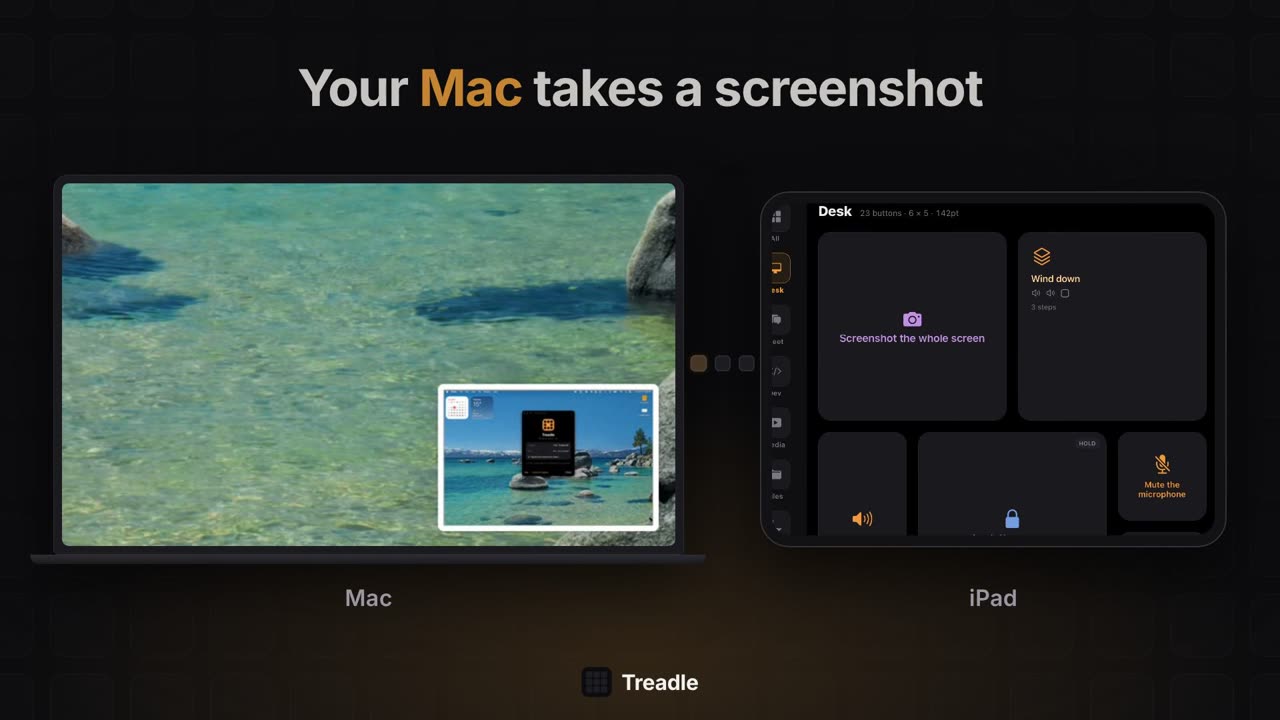 Capture the Mac's screen from the panel
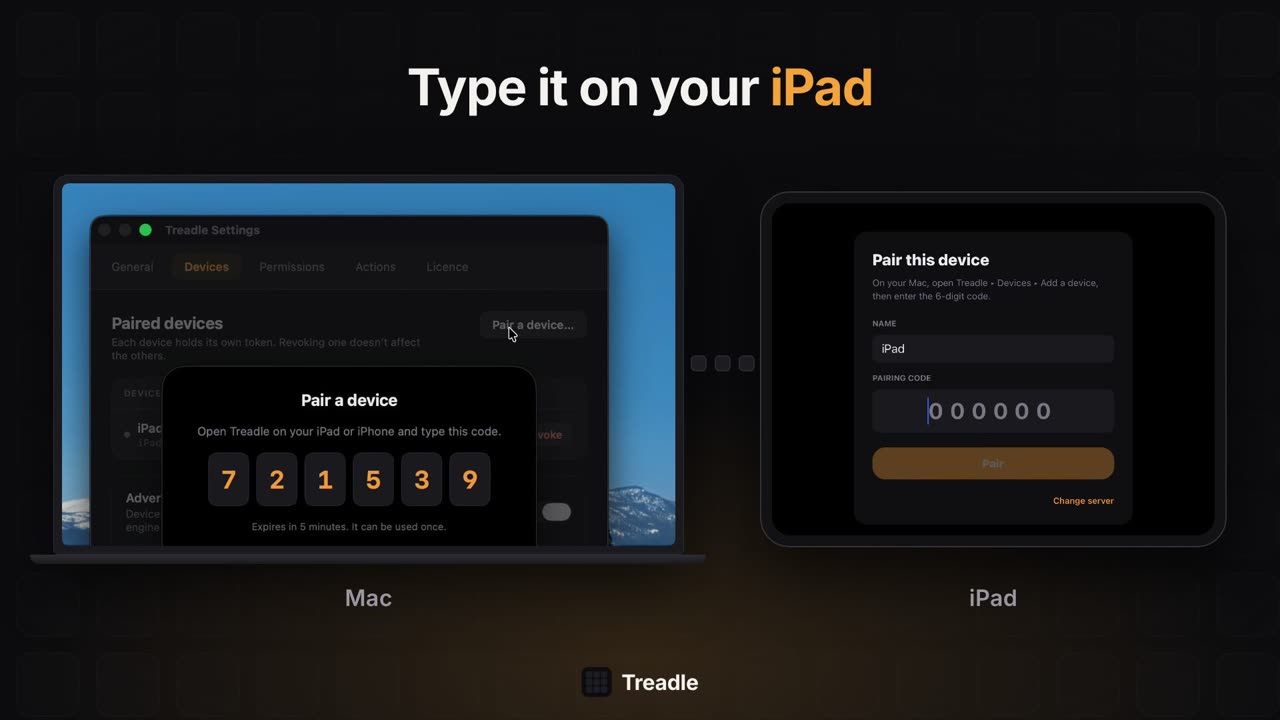 Pair the iPad or iPhone with the Mac
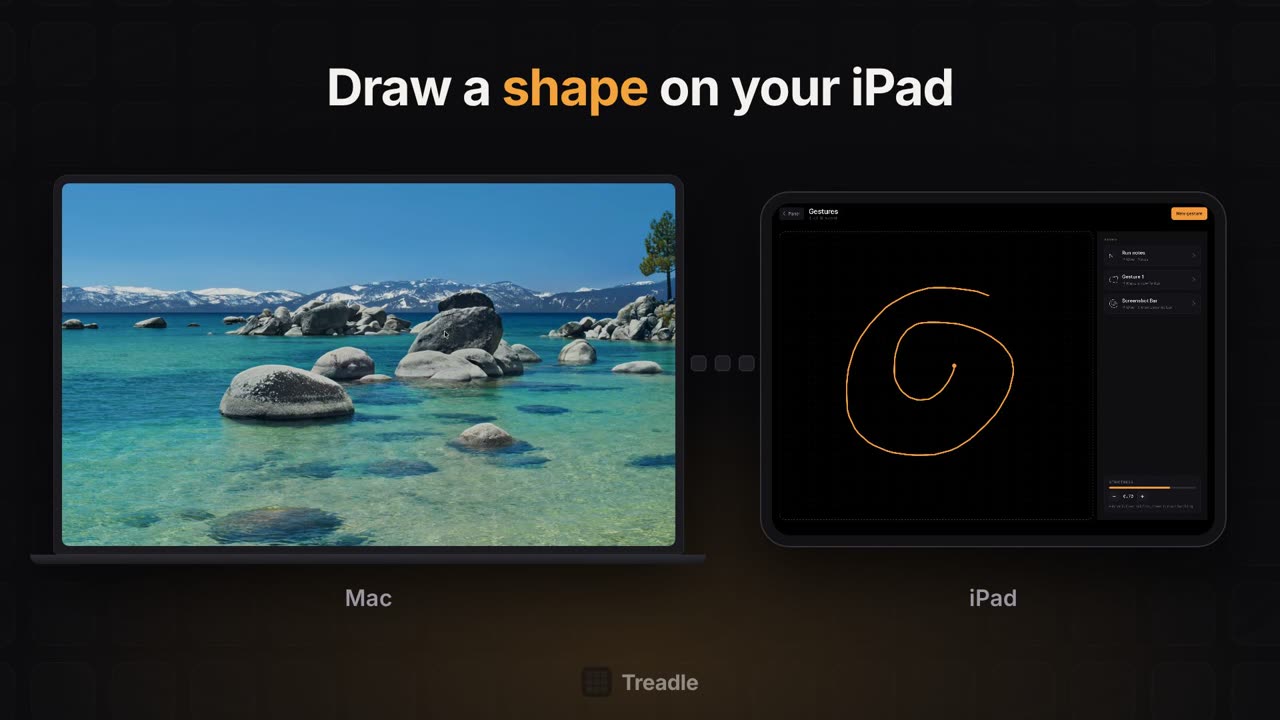 Draw a gesture to run an action
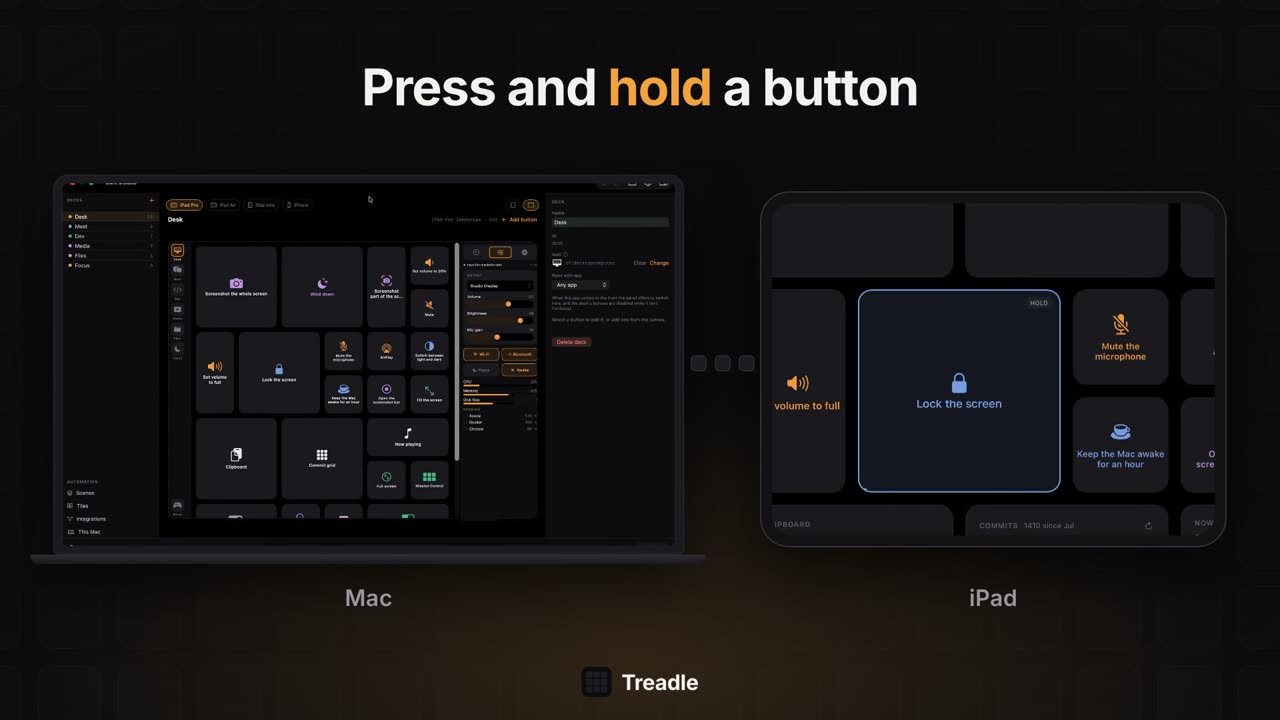 Tap for one action, hold for another
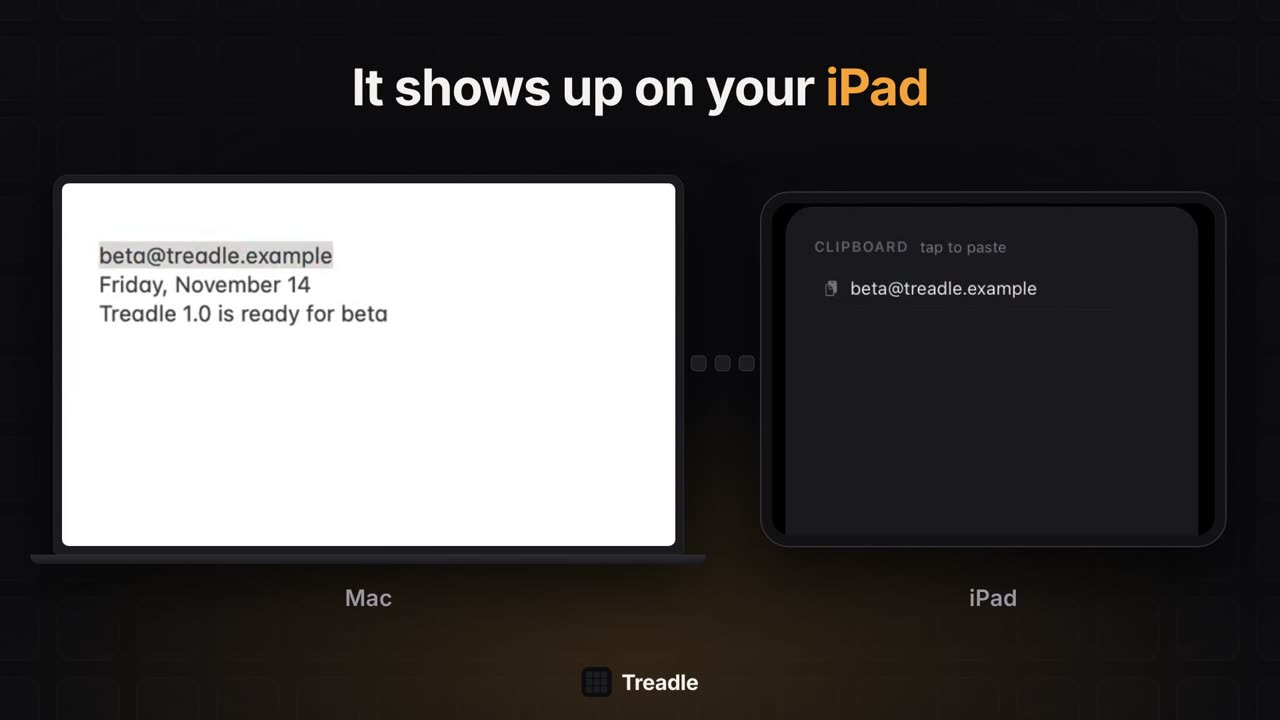 Show live info on a dashboard tile