HOLD & RULES
A second action on the same button.
Give a button a second action on hold: a quick tap does one thing, holding it does another. Or give it a short rule list: the first rule that matches your Mac’s state wins, and if none matches, the tap action runs.
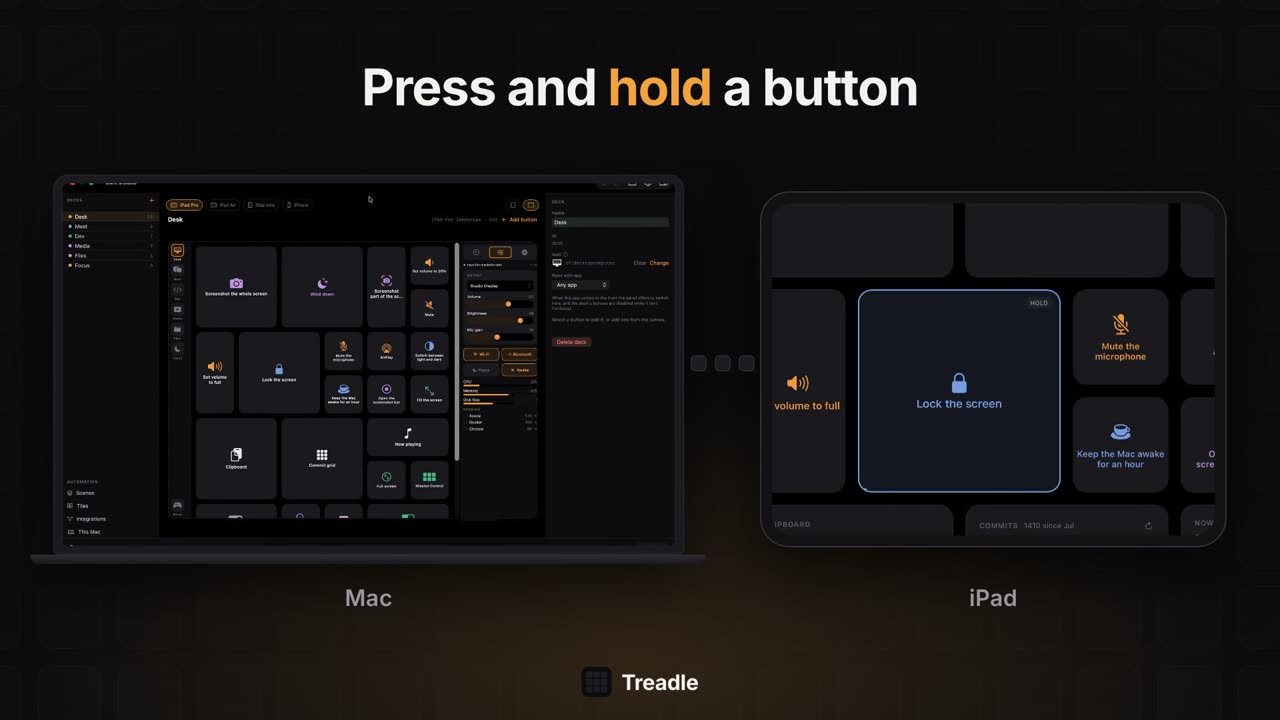
Read what the video shows
- Tap a button on your iPad or iPhone, and it runs the main action.
- Press and hold the same button.
- The Mac runs the button's second action.
How it works
01
Add a hold action
Pick the hold action and how long the hold is. The tap still fires when you let go quickly.
02
Or add rules
“If the mic is muted, unmute; otherwise, mute.” Rules read only what your Mac already knows.
03
Nothing to learn
The device times the hold and picks which action to send. Your Mac just runs the one it’s told.
Included with the full version
One-time purchase, no subscription. The free plan keeps every action, every pack, the starter deck plus one of your own, and one new device at a time.
$29 CADFull version · 2 years of updatesBuy full version
$39 CADLifetime · updates forever · first 300 buyersBuy lifetime