Deck
A deck is one screen of buttons on the iPad or iPhone. You switch between decks from the rail down the side of the screen.
Control
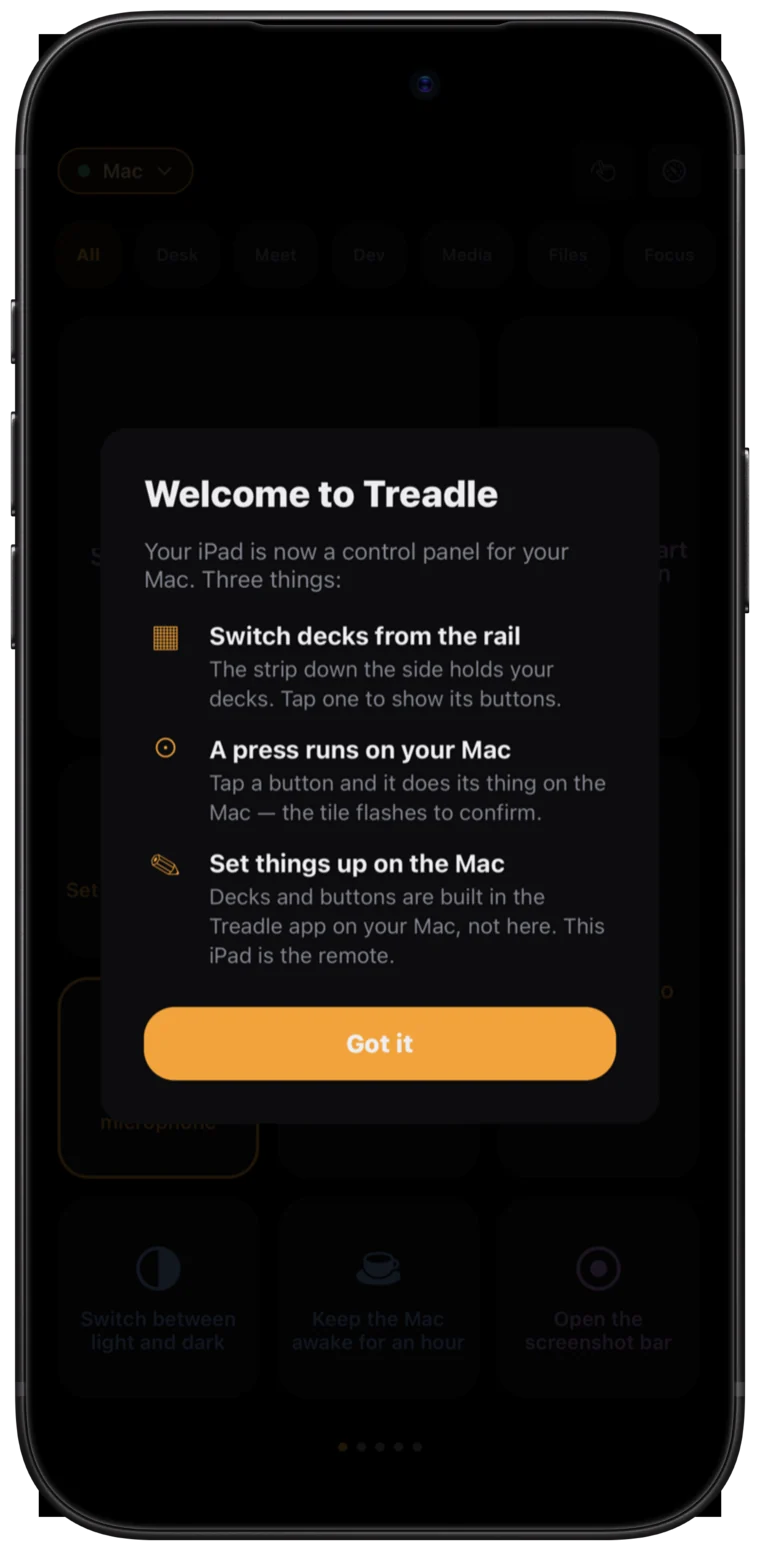
A control is one item on a deck. Usually it is a button, but it can also be a toggle, a level, or a prompt. Using a control runs an action. See Controls that take a value.
Action
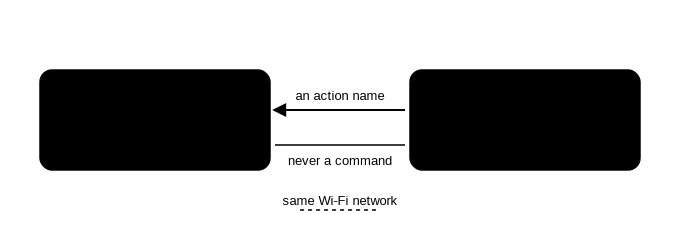
An action is the thing that happens on the Mac, such as muting the mic or opening an app. Treadle only runs actions from a fixed list. The iPad or iPhone sends an action's name, never a command. This is why the iPad or iPhone cannot be tricked into running something you did not set up.
Pack
A pack is a ready-made set of controls for one app or task. You add it to a deck in one step. Packs are built in, so there is nothing to download. See Use an action pack.
App binding
An app binding ties a deck to an app. The deck offers itself when that app comes to the front, and is available only while its app is frontmost. On the iPad or iPhone a bound deck is greyed out when its app is not frontmost, and the panel offers to switch to it when the app comes forward. See Make a deck appear with an app.
Engine
The engine is the small background program behind the menu-bar icon. It carries out every action. If it stops, buttons do nothing until it restarts. There is a Restart engine item in the menu-bar popover.
Ready to build? See Build your first deck.