GESTURES
Draw a shape, run an action.
Record a gesture on this device: pick an action, draw the shape a few times, save. Then draw it anywhere to run it. Gestures are stored on your Mac and shared by every device paired to it.
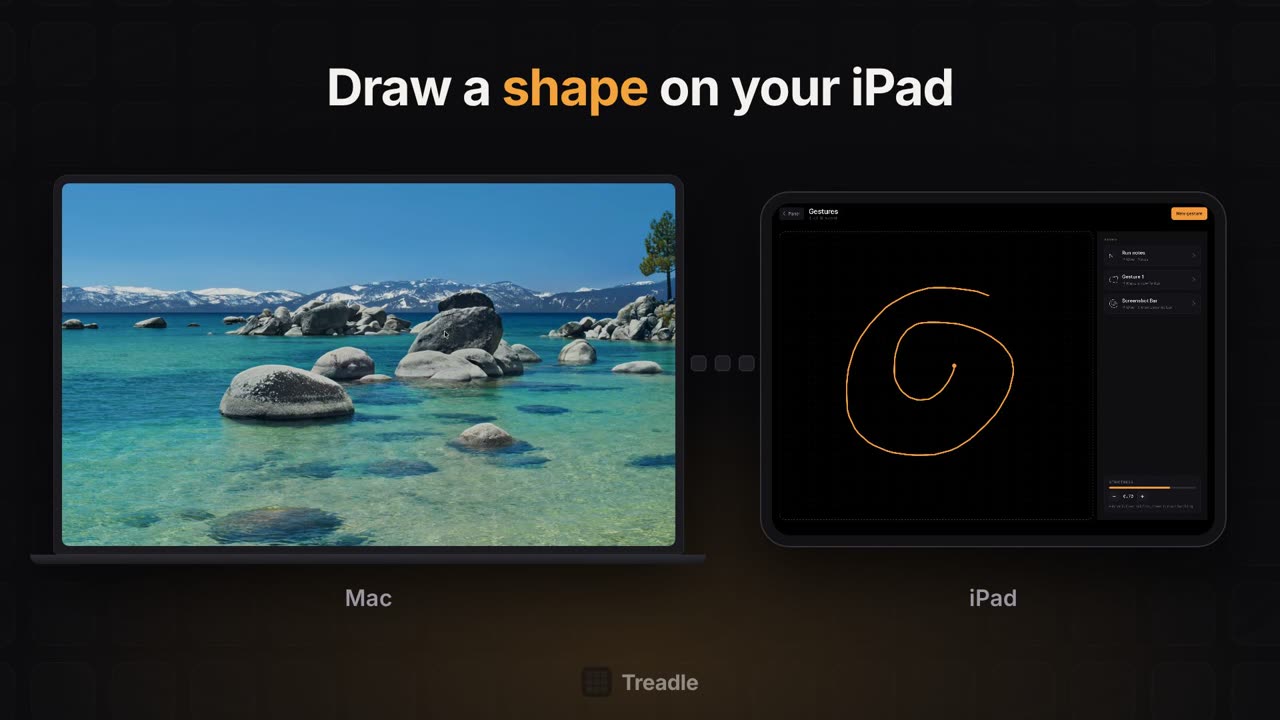
Read what the video shows
- On your iPad or iPhone, draw a shape on the gesture screen.
- Treadle matches the shape to a saved gesture.
- The Mac runs the action tied to that gesture.
How it works
01
Open the Gestures screen
It's in the rail on iPad, and the header on iPhone. There's nothing to set up on the Mac.
02
Record it a few times
Pick an action, draw the shape a few times so Treadle learns it, and save.
03
Draw to run it
Draw the shape on the surface and its action fires on your Mac. Nothing leaves the device but the action.
Included with the full version
One-time purchase, no subscription. The free plan keeps every action, every pack, the starter deck plus one of your own, and one new device at a time.
$29 CADFull version · 2 years of updatesBuy full version
$39 CADLifetime · updates forever · first 300 buyersBuy lifetime