
DASHBOARD
See what’s happening, at a glance.
Tiles show read-only status right on the panel: CPU, memory and disk, what’s playing, battery, a countdown timer, your next meeting, your clipboard, your latest CI build and PRs, and OBS recording and levels. They show information and never run an action.
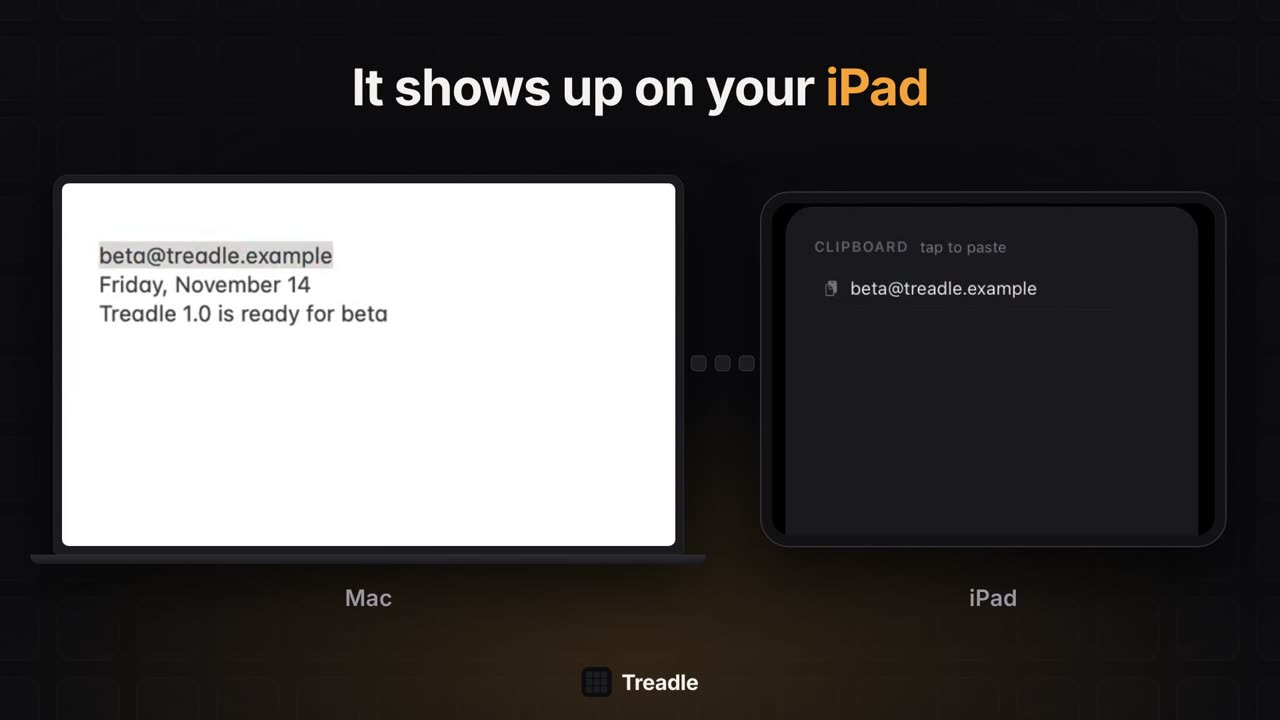
Read what the video shows
- Copy some text on the Mac.
- A dashboard tile shows the clipboard text.
- Copy something else; the tile updates.
How it works
01
Drop a tile on a deck
Pick from meters, now-playing, battery, timer, meeting, clipboard, CI, pull requests and OBS.
02
Connect what it needs
Calendar and clipboard read on your Mac; CI/PRs use your own read-only GitHub token; OBS is on your local network. All opt-in.
03
It stays out of the way
Tiles are read-only and private. The sensitive bits stay on your Mac, and the panel shows only what it needs to.
Included with the full version
One-time purchase, no subscription. The free plan keeps every action, every pack, the starter deck plus one of your own, and one new device at a time.
$29 CADFull version · 2 years of updatesBuy full version
$39 CADLifetime · updates forever · first 300 buyersBuy lifetime