
SCENES
One button, a whole setup.
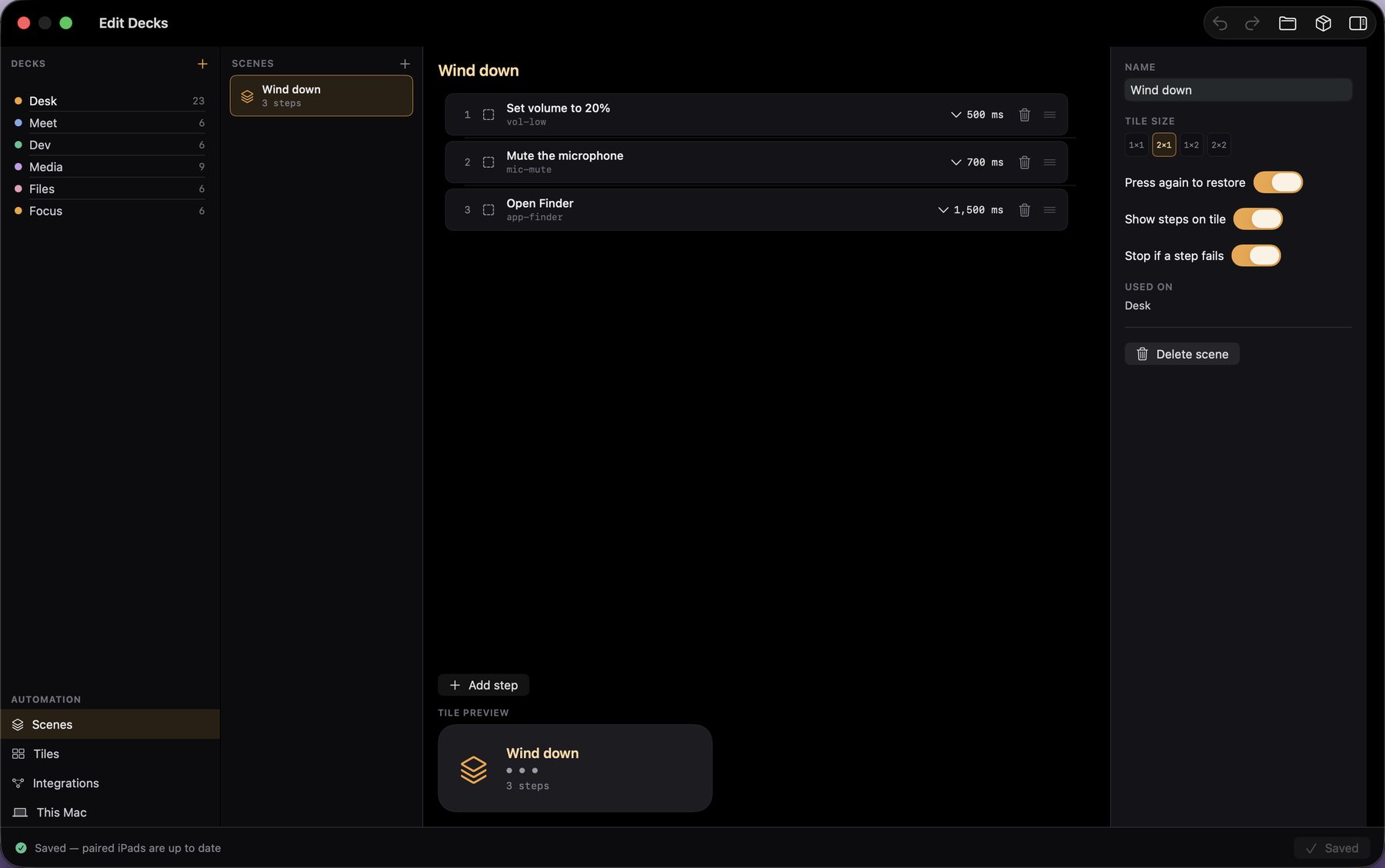
A scene runs an ordered list of actions (set the volume, mute the mic, open an app), with a short pause between steps if you want one. Press it again and “Restore previous” puts back the parts it can, and says which parts it couldn’t undo.
On your iPad and iPhone
A scene is a tile on a deck like any other. Press it and the panel shows what’s running, step by step, right in the side panel.
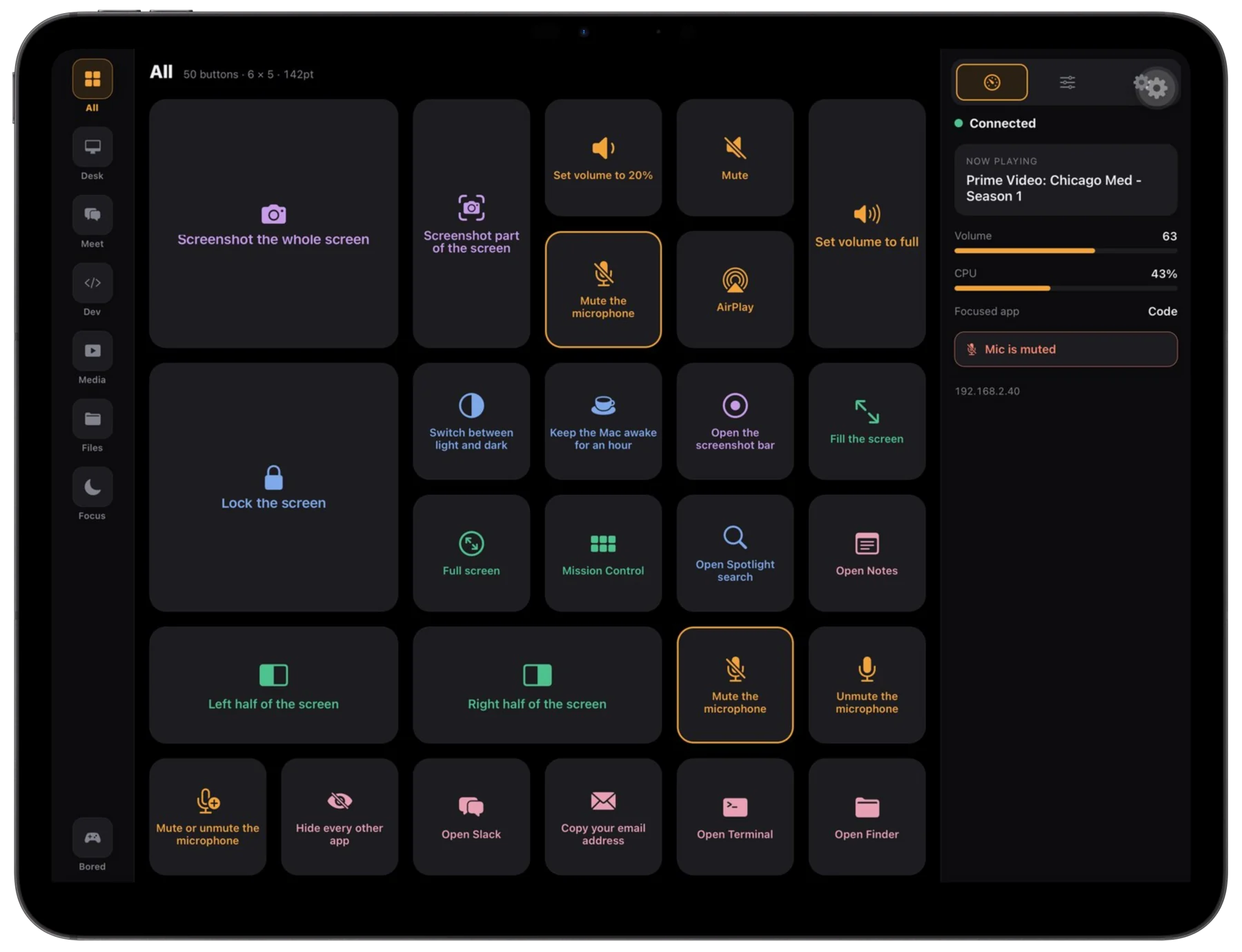
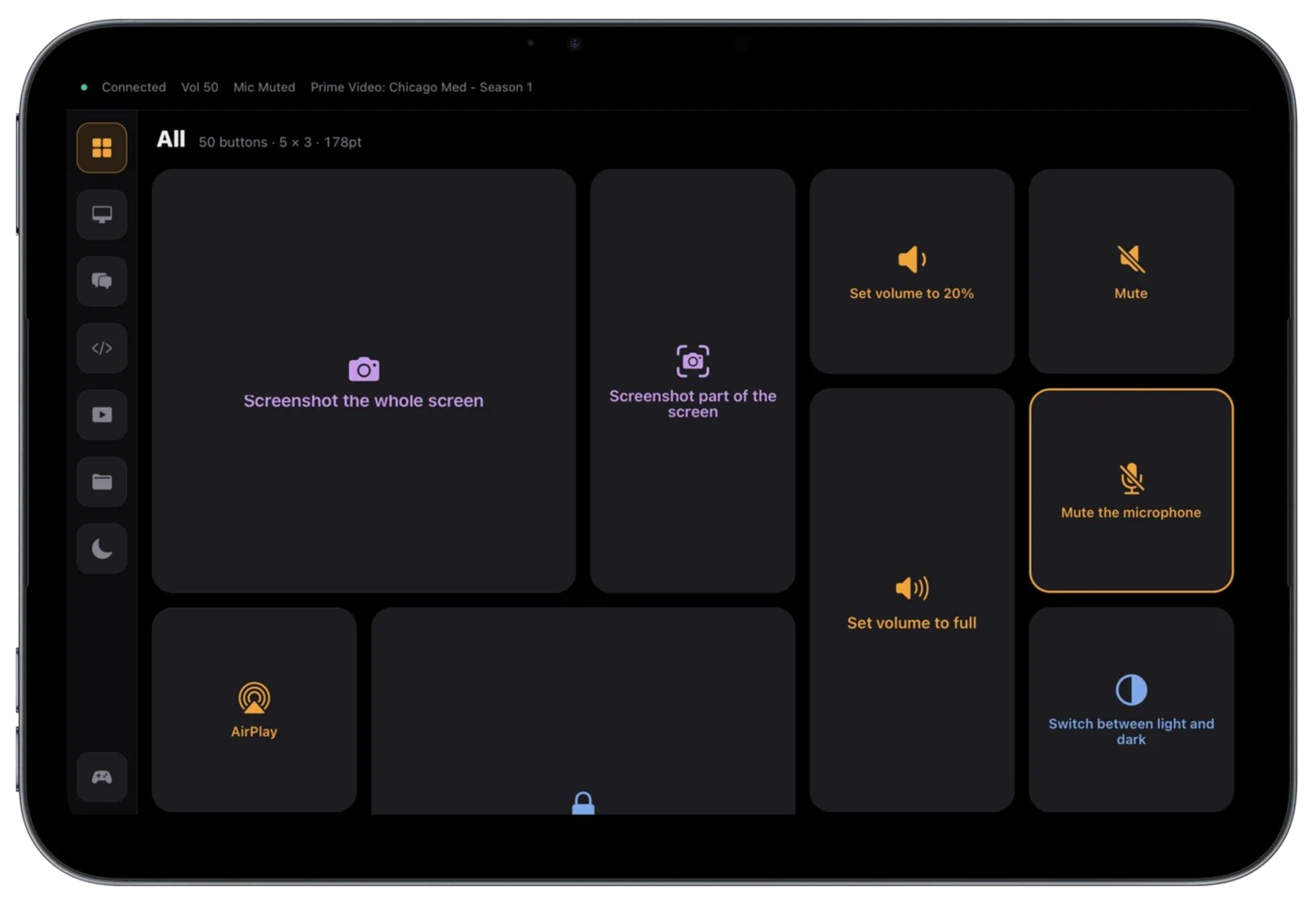
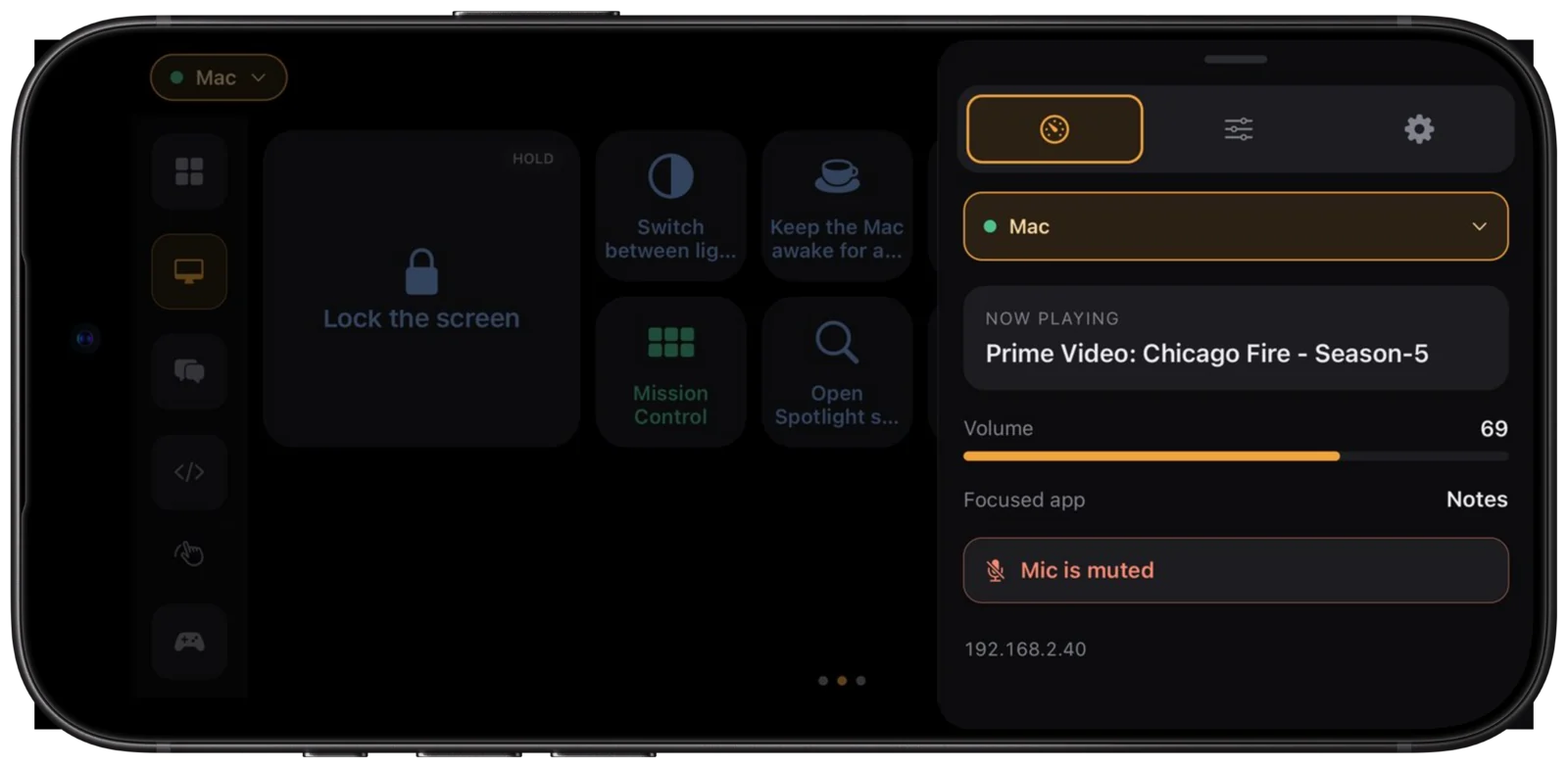
While it runs · Active scene card
Active scene
Each step shows waiting, running or done. “Restore previous” appears when the scene can be put back.Wind downsince 21:42 · 3 steps
Set volume to 20%
Mute the microphone
Open Finder
Restore previousHow it works
01
List the steps
In the Mac editor, add the actions in order and set a delay on any step that needs the one before it to finish.
02
Press once to run
The scene runs on the Mac on its own path, so a long scene never slows down an ordinary button press.
03
Press again to restore
It puts back the volume and mic it changed, in reverse, and tells you plainly what it couldn’t undo.
Included with the full version
One-time purchase, no subscription. The free plan keeps every action, every pack, the starter deck plus one of your own, and one new device at a time.
$29 CADFull version · 2 years of updatesBuy full version
$39 CADLifetime · updates forever · first 300 buyersBuy lifetime