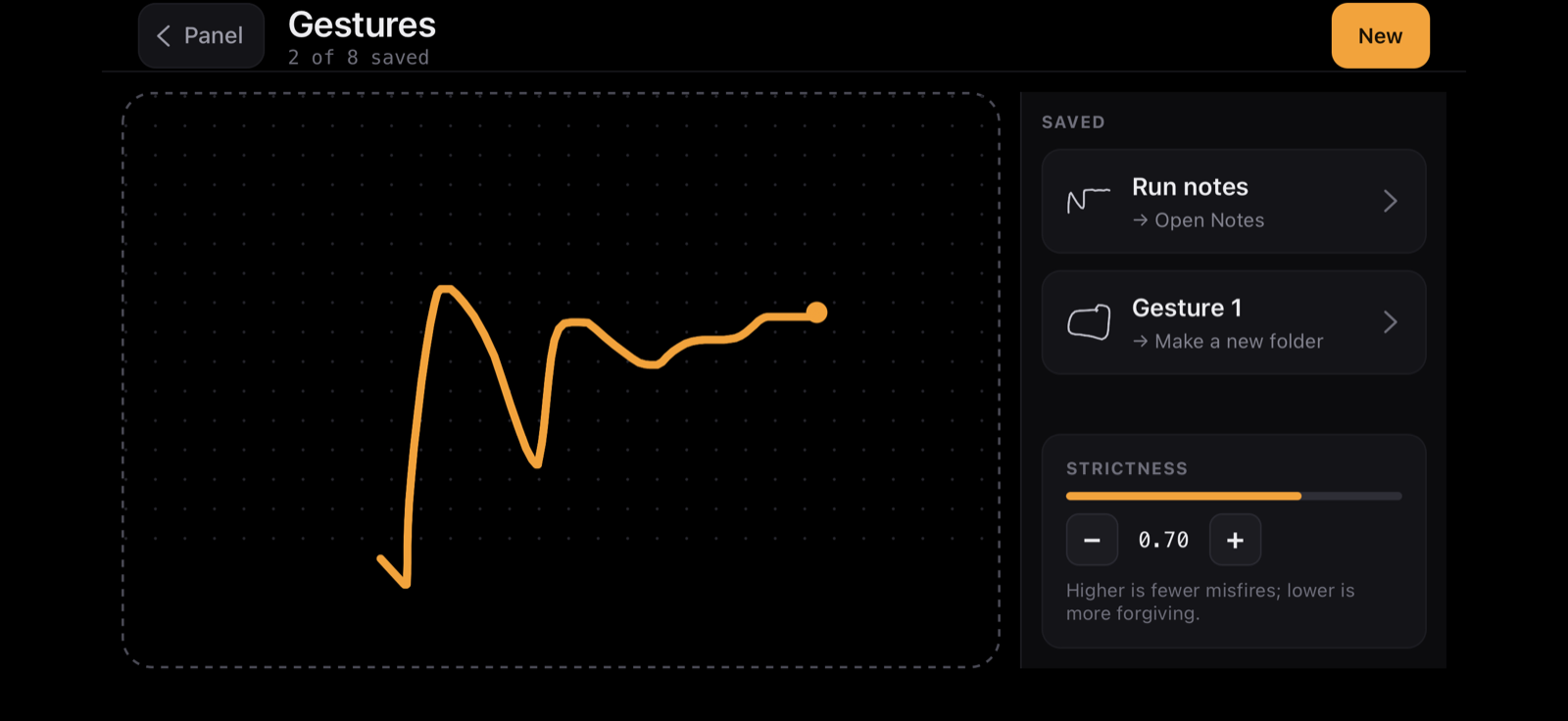
Draw instead of press
A gesture is a shape you draw on the panel to run an action — useful when you would rather not hunt for a button. Open the Gestures screen from the panel. Each saved gesture maps one shape to one action.
Record a gesture
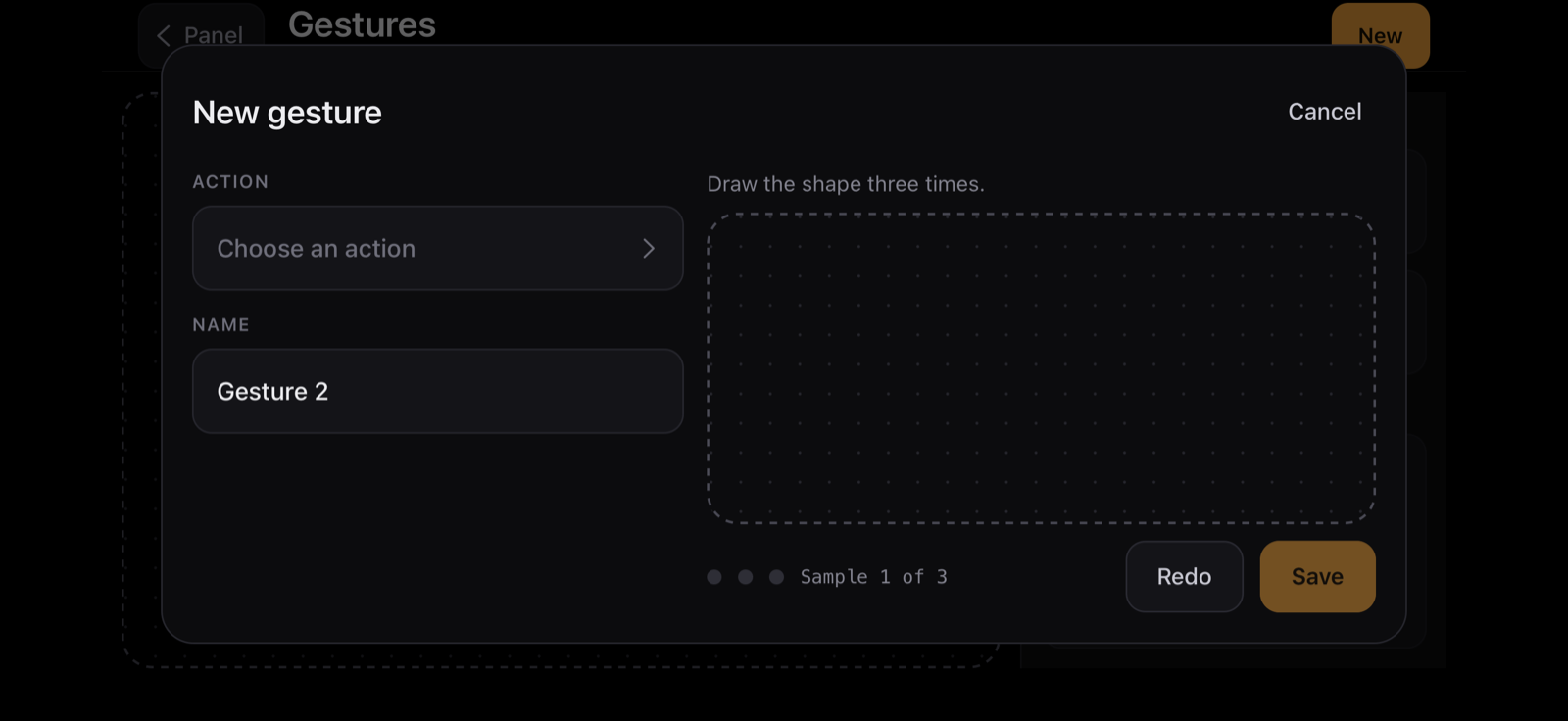
- On the device, open Gestures and tap New.
- Choose the action it should run, and give it a name.
- Draw the shape three times so Treadle learns it, then tap Save.
Fire it
Draw the shape on the Gestures canvas. When it matches a saved gesture, Treadle confirms the match and runs that action on the Mac.
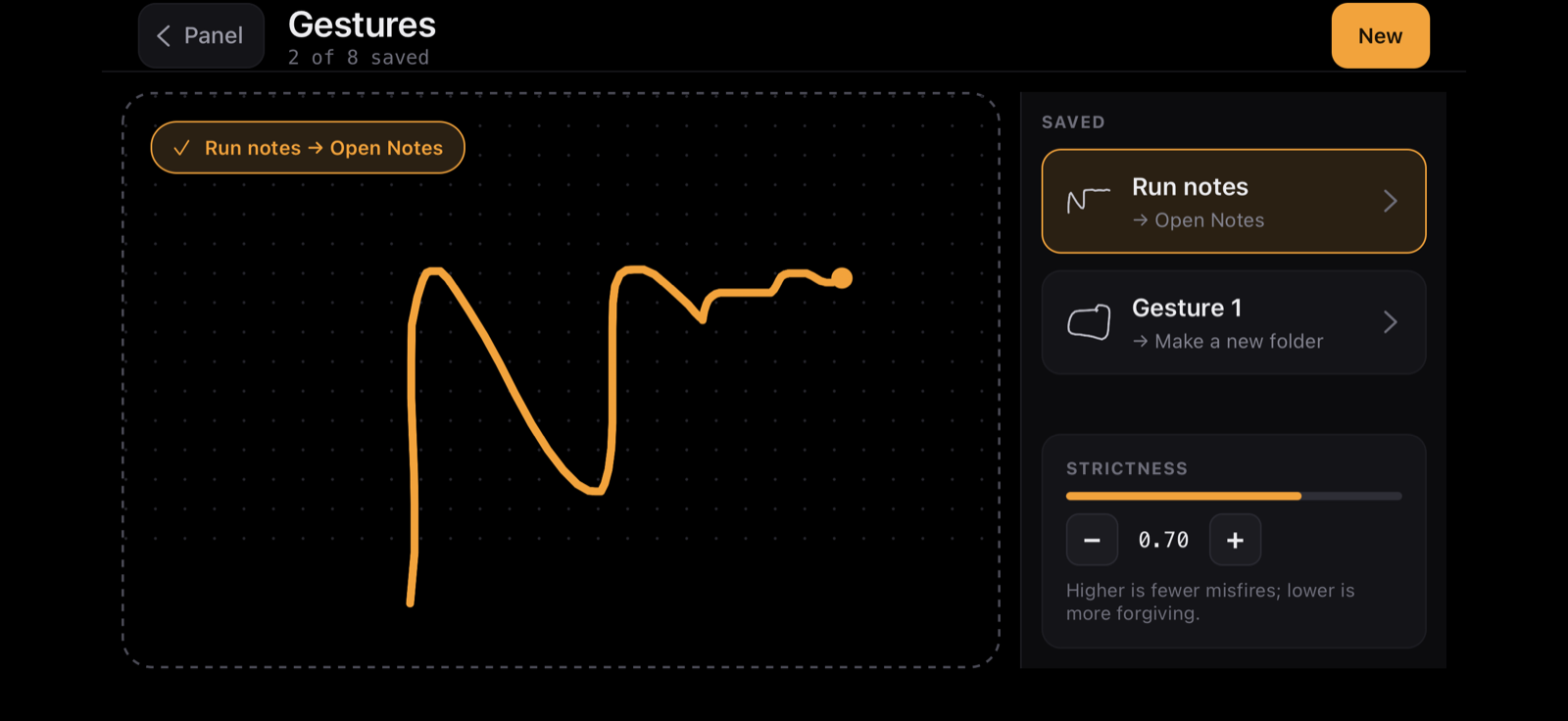
Tune the matching
The Strictness setting controls how close your drawing has to be to the saved shape. Higher is fewer misfires; lower is more forgiving. Start near the middle and adjust if gestures either miss or trigger by accident.
Gestures are part of the paid plan. See what's free and what's paid.